Spotted Something Wrong?
While browsing through a church book, you notice that a page is missing, the date range seems incorrect, or the contents do not match the book’s title. What should you do? That’s exactly what the feedback feature in the Archion Viewer is for. It allows you to report any issues quickly and easily.
What Can You Report?
- missing pages
- incorrect date ranges
- unlisted baptisms, marriages, burials, or other church records
- damaged image sections
- discrepancies between the book’s title and its contents
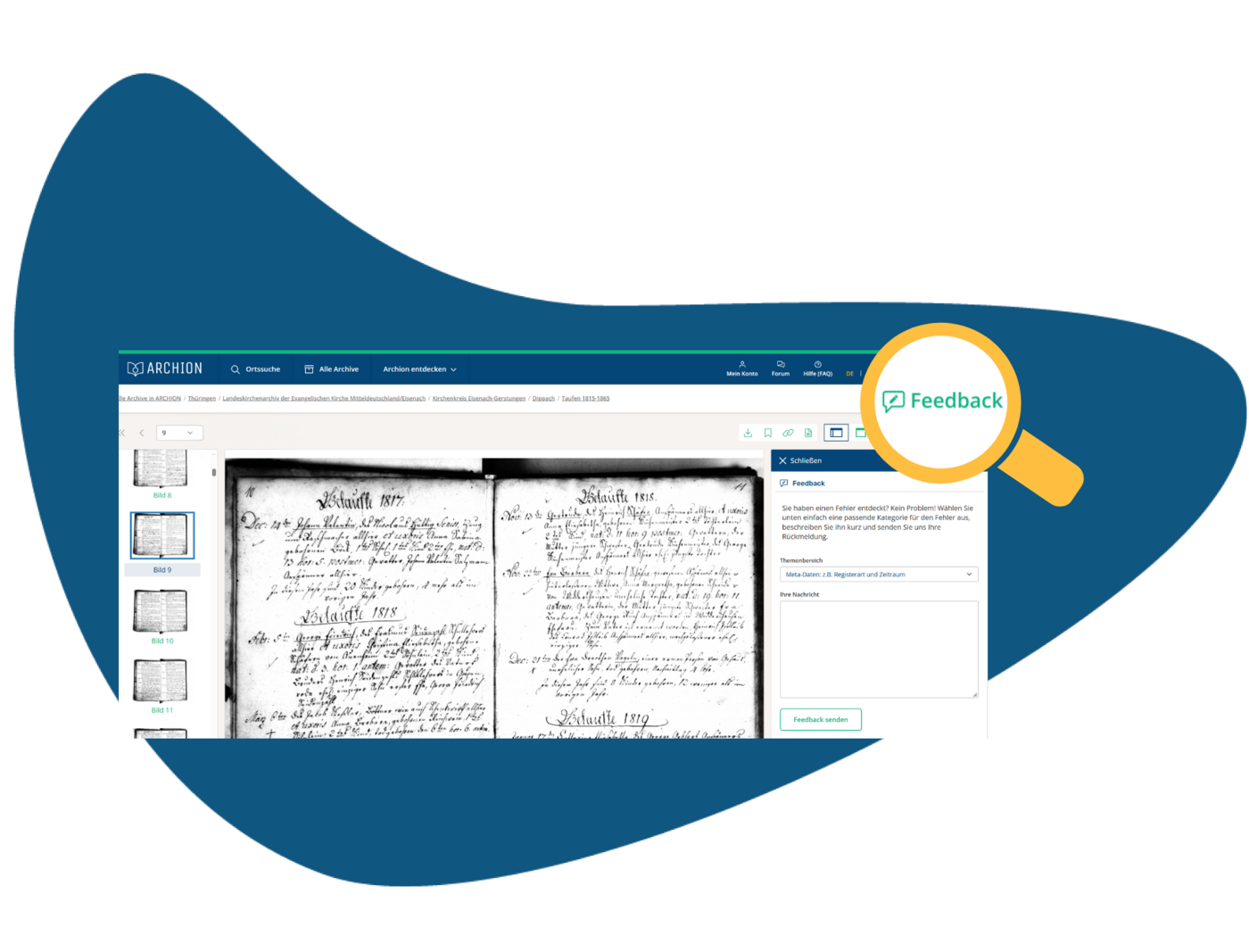

First of all, your message is received by Archion. We check whether the peculiarity has already existed in the database of the responsible archive. In this case, we pass on your notification to the archive.
There, the archivists will examine the matter. Depending on the result, the data in the database are corrected or - in case pages are missing - a subsequent delivery of the missing records is initiated.
Your notification also helps other researchers
A missing page or an inaccurate piece of information can be detrimental to the research. Thus, your feedback not only helps us but also other genealogists looking for their ancestors in the same church records.
So: If you notice something while you browse, let us know. Together, we make Archion even better.
 Newsletter Registration